

Simple, Step-by-step Smartphone Tutorials
The Doro Smartphone School
Have you recently become the owner of a smartphone, but are unsure about how to start using it? Here you’ll find tips and tricks that make it simple to get started and enjoy all the fantastic things you can do with your new mobile phone.
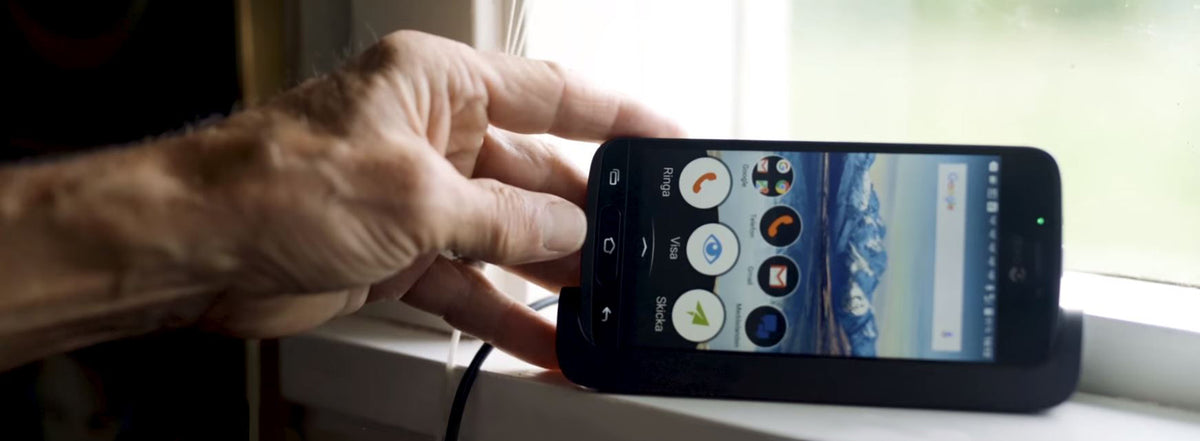
Find out why your smartphone needs charging more often than your old mobile phone, and the simple habits that keep it ready for the day.

Torch, calendar and other handy smartphone features
Your smartphone is also a torch, calendar, calculator and notebook, with simple sound settings and a flight mode for when you travel.
Read moreabout Torch, calendar and other handy smartphone features

How to use Wi-Fi and avoid data roaming charges
Learn what Wi-Fi is, how to connect to a free network and how to switch off data roaming so you avoid expensive bills abroad.
Read moreabout How to use Wi-Fi and avoid data roaming charges
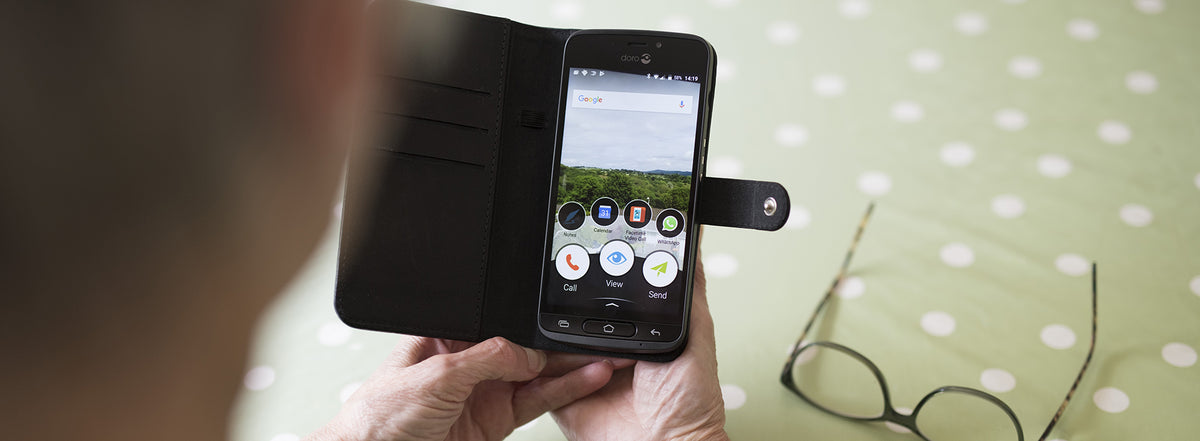
Get started with apps on your smartphone
Find out what apps are, why you need a Gmail account and how to download your first app from Google Play or Doro Selection.

How to take and share great photos on your smartphone
Seven simple tips for better photos on your smartphone, plus how to take a picture and send it to family by MMS from your Doro phone.
Read moreabout How to take and share great photos on your smartphone

How to set up email on your smartphone
Learn how to add Gmail or another email account to your Doro smartphone, and how to keep spam and unknown senders out of your inbox.

How to search on Google with your smartphone
Find what you need on Google with simple tips for typing less, searching smarter and asking out loud with your voice.

Find your way with Google Maps and TripAdvisor
Use Google Maps on your smartphone to see where you are, find the best route and discover useful places to visit nearby.
Read moreabout Find your way with Google Maps and TripAdvisor

How to watch YouTube videos on your smartphone
Find the YouTube app on your smartphone, search for videos, save them for later and subscribe to the channels you enjoy.
Read moreabout How to watch YouTube videos on your smartphone

How to share your photos on Instagram
Learn how to install Instagram, post and edit photos, like and comment on posts, keep your account private and use hashtags.

Facebook tips for posts, pages, events and Messenger
Learn how to post updates and photos, comment and share, follow pages, reply to events and send private messages on Facebook.
Read moreabout Facebook tips for posts, pages, events and Messenger

Music, radio and audiobook apps for your phone
Four entertainment apps worth downloading before a holiday: Spotify for music, BBC iPlayer Radio, Audible audiobooks and Shazam.
Read moreabout Music, radio and audiobook apps for your phone

How to use Spotify on your smartphone
Learn how to sign up for Spotify, make your own playlists, shuffle your music and decide whether the free version or Premium suits you best.

How to pay with your smartphone
Learn how contactless payments work and how to pay in shops and restaurants with your smartphone and a mobile wallet such as Google Pay.

How to make video calls with WhatsApp and Messenger
See and hear family and friends wherever they are with this step-by-step guide to video calls on WhatsApp and Facebook Messenger.
Read moreabout How to make video calls with WhatsApp and Messenger
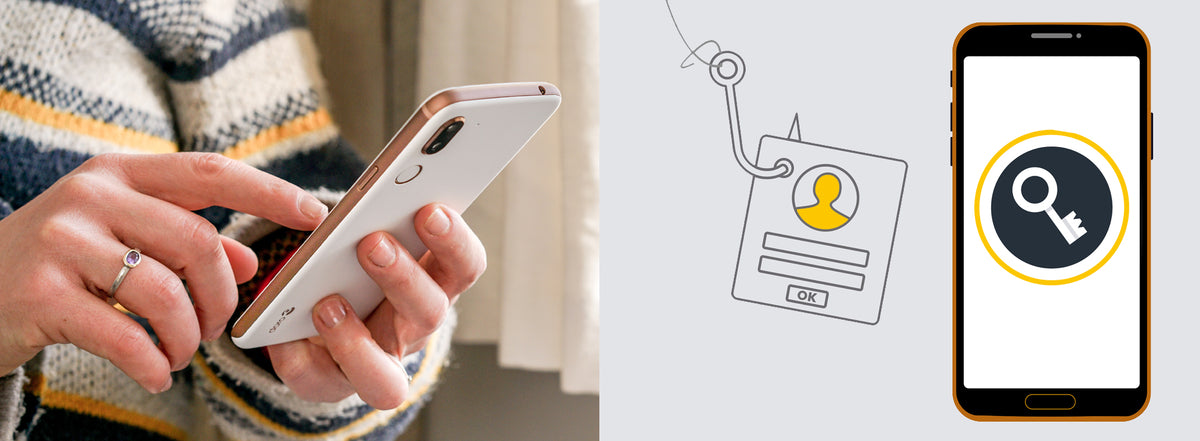
Digital safety: how to spot phishing and protect passwords
Learn how to recognise phishing emails, texts and calls, and how to create strong passwords that keep fraudsters out of your accounts.
Read moreabout Digital safety: how to spot phishing and protect passwords
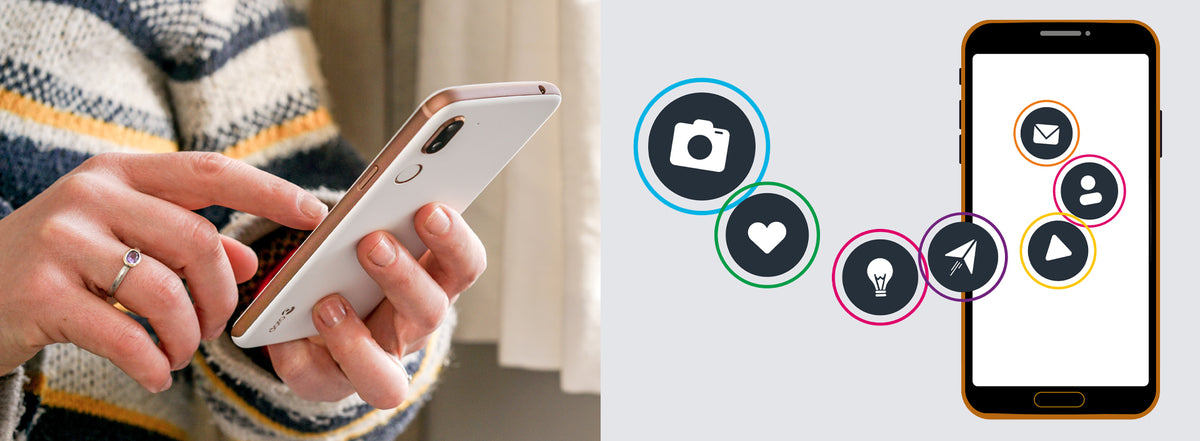
Digital safety: how to use apps and social media safely
Learn how to protect your social media accounts, keep your apps and phone up to date, and clear your personal data before you sell your phone.
Read moreabout Digital safety: how to use apps and social media safely
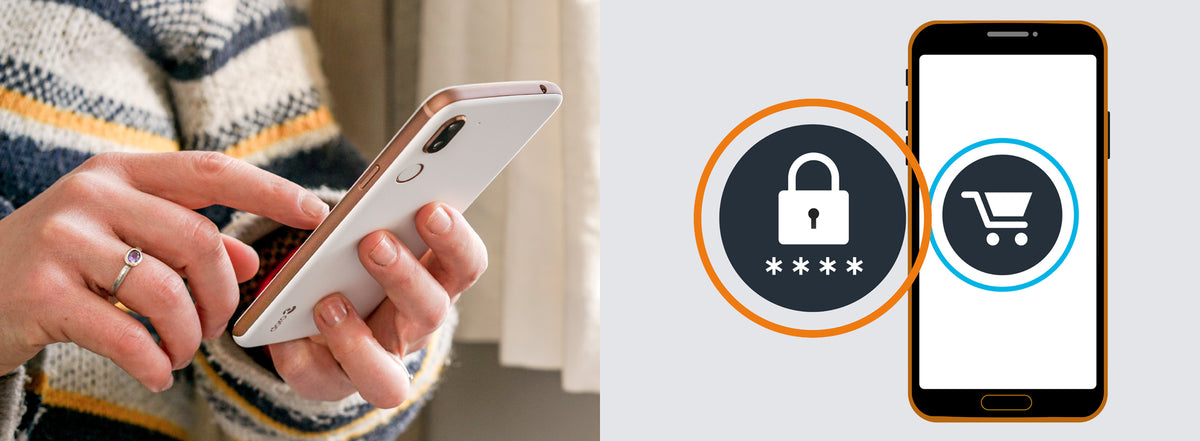
Digital safety: how to shop safely online
Learn how to spot fake websites, check that an online shop is secure and avoid fraud when you buy second-hand from private sellers.