

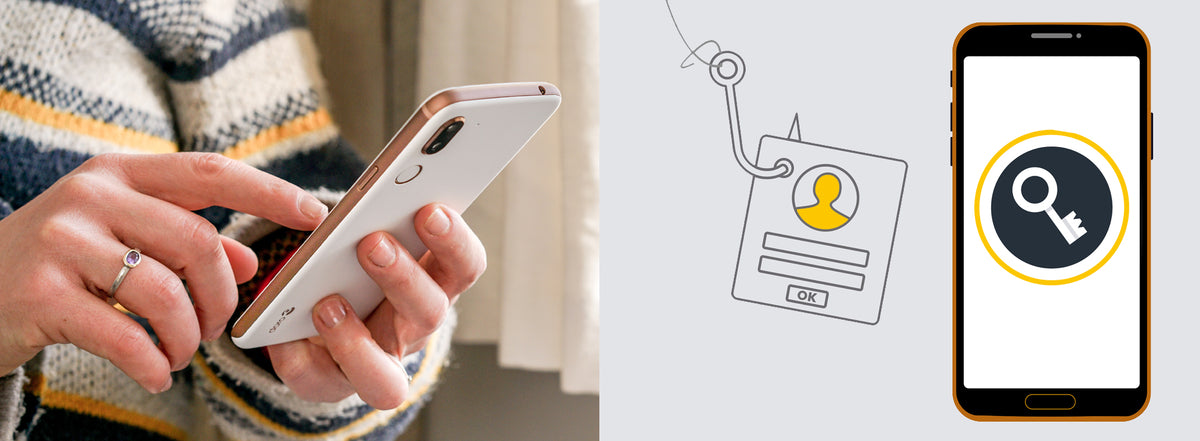
The internet puts the whole world within reach of your computer or smartphone, but it also leaves you more exposed. These tips will help you avoid falling victim to online fraudsters.
What is phishing?
Phishing is one of the most common scams. Fraudsters pretend to be an authority or a company, usually by email, to trick you into sharing sensitive details such as bank account numbers and passwords. The email often says that a problem has occurred and asks you to log in through a link.
Another trick is to promise you a gift or a prize if you log in through a link. The link takes you to a copy of a real website. When you enter your username and password, the fraudster saves them and can take over your account.
Fraudsters may also send you a text message or call you. They might pretend to be your bank and ask for your security codes, or ask you to approve something in your banking app.
How to protect yourself from phishing
These organisations do not need your passwords or codes, because they can already reach your account through their own systems. If you receive an unusual email or call asking for this information, contact the customer service of the company or organisation it claims to come from.
Fraudsters often use a crisis, such as Covid-19, to make people afraid and rush them into acting. Take your time and do not let anyone pressure you.
To stay safe:
- Do not click links in emails you are unsure about.
- Look out for spelling mistakes and odd wording.
- Check email addresses and web addresses carefully. A fake one may differ from the real one by a single letter.
- Install virus protection on your computer. It cannot fully protect you against phishing, but it is a good precaution.
How to keep your passwords safe
Fraudsters most often get hold of passwords when a website's password database is hacked and leaked.
The worst case is when your email password is the same as the one you use for your other accounts. A fraudster can then click "forgot password" on those accounts, have the new passwords sent to your email and take over all of them.
To make your passwords strong:
- Avoid common passwords.
- Use at least 12 characters, including special characters (for example ! # ?).
- Consider a passphrase, which is a combination of words. Use more than four words, ideally chosen at random.
Fraudsters use programs that crack passwords. A 6-character password can be cracked in about 30 seconds, while a 10-character password takes about 11 years.
Do not write your passwords down on your computer or phone, and do not save them in your browser. Use a password manager instead. It stores your passwords and helps you create secure ones.
Turn on two-step verification, also called two-factor authentication, wherever it is offered. It adds an extra step when you log in, on top of your password. This is usually a one-time code that is created automatically, sent to your mobile by text message and only works for a short time.
Now you can carry on browsing safely.
Share:
Digital safety: how to use apps and social media safely
How to make video calls with WhatsApp and Messenger