

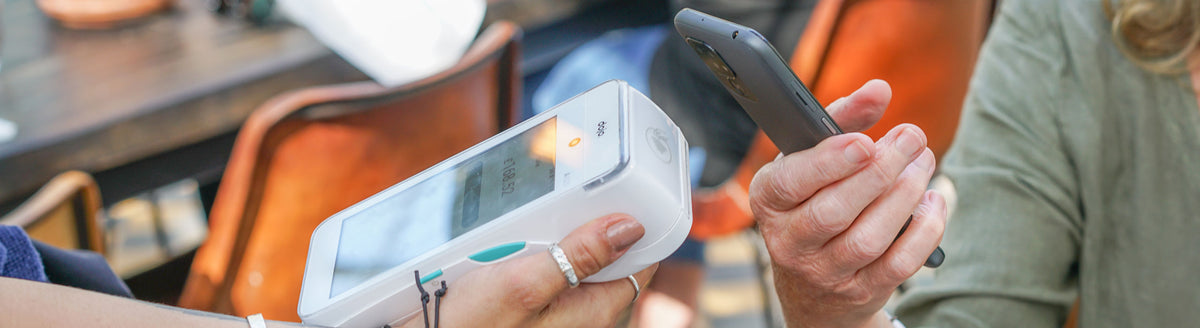
Did you know that you can use your smartphone to pay for your shopping or your bill in a restaurant? With a mobile wallet on your phone, you no longer need to carry your cards.
Contactless payments
Paying with your phone is also safer and faster than swiping a card or typing in a PIN.
The technology behind it is called near-field communication, or NFC. It lets a smartphone that supports NFC and a payment terminal communicate securely.
How to use a mobile wallet
To pay with NFC, you first need to set up your payment card digitally in a mobile wallet.
- Add your payment card to a mobile wallet, such as Google Pay. The app is either already on your smartphone or you can download it.
- When you are ready to pay, enter your PIN in the app to activate the digital card.
- Hold the back of your phone close to the payment terminal. The payment is then made.
It is as easy as that.
Payment terminals that show the contactless symbol accept NFC payments. The Doro 8100 supports NFC payments.

Share:
How to make video calls with WhatsApp and Messenger
How to use Spotify on your smartphone