

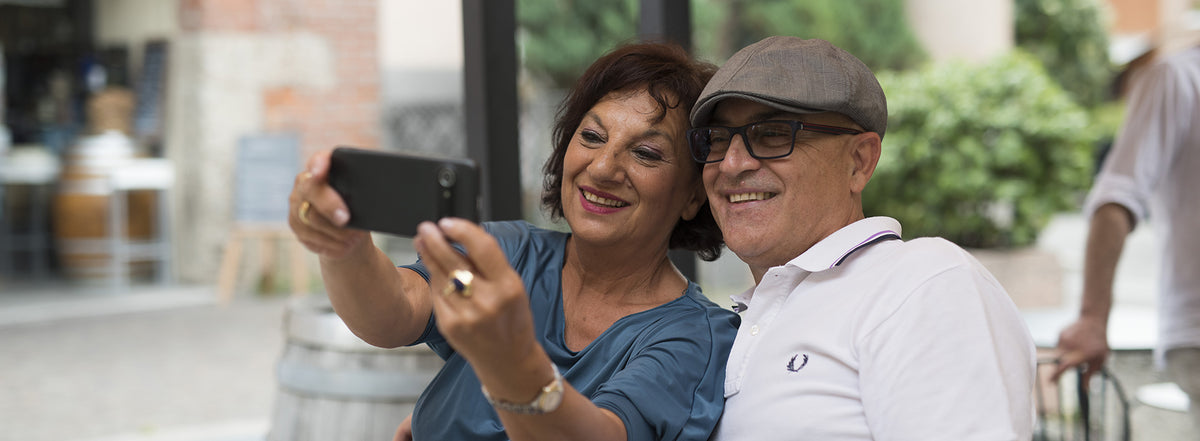
The camera on your smartphone has some fantastic features. Your photos are organised in an album that is always with you, so you can easily look at them and share them with others.
Our photo school gives you the best pointers for taking excellent pictures.
Shoot like a pro
We are all photographers, and with the camera on your smartphone you can take really great pictures. Follow these simple tips and you will soon be taking even better photos to impress your friends and family.
- Dare to get close to your subject.
- Decide what you need to include in the picture, rather than trying to fit everything in.
- On some phones, the photo is not taken until you lift your finger off the shutter button.
- Hold the camera steady, especially when you take photos indoors without the flash. Leaning against a doorframe or a chair helps.
- Take photos outdoors when you can, so they get natural light.
- When you take a portrait, make sure the background does not steal attention from your subject.
- Do not be afraid to take lots of photos. Your phone has plenty of space, and you can always delete the ones you do not need later.
Share your pictures
One of the very best things about a smartphone is that you can share great moments as soon as they happen. Take a picture and send it straight to friends and family by MMS (picture message), email or social media. It is the perfect way to send greetings while you are travelling.
You can also print your photos, or order a printed photo book to look back on your holiday.
Shooting with your Doro smartphone
- From the Home screen, tap the Camera or Snap icon.
- Tap the part of the screen that you want the camera to focus on.
- Tap the shutter icon to take the photo.
- To see your photo, tap the small thumbnail in the bottom-left corner.
Share pictures from your Doro smartphone
- While you are looking at the photo, tap the I want to button in the top-right corner of the screen.
- Tap Share this image.
- To send it as an MMS, tap Message.
- Choose the person you want to send the photo to from your contacts.
- Type a greeting and tap Send.
Good luck with your photography.
Share:
How to set up email on your smartphone
Get started with apps on your smartphone