

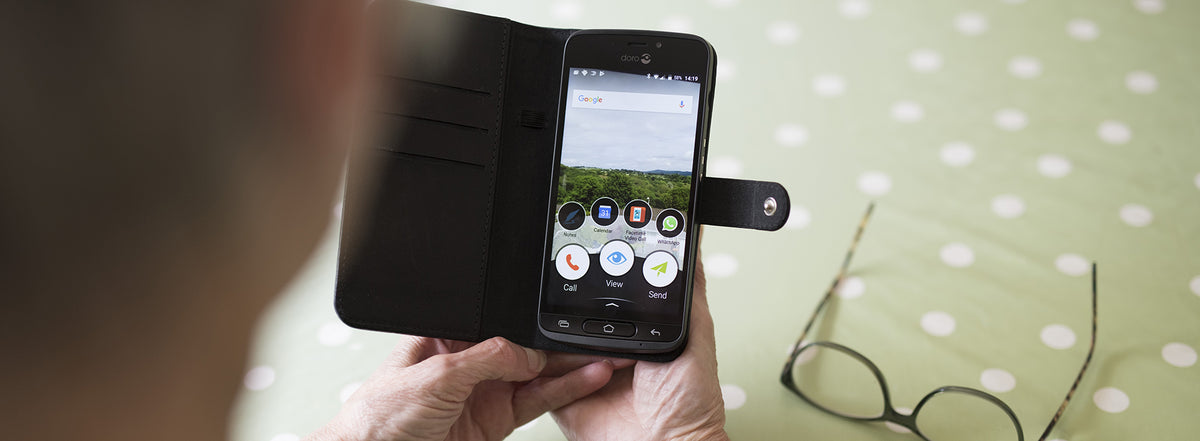
The services on your smartphone are organised into apps, short for “applications”. An app is like a small computer program that you can download and start using straight away.
Many of the most common apps are already installed on your phone.
Apps for just about everything
Today there is an app for almost anything. Some you pay for and others are free. The top charts in the Google Play Store give you a good overview of what is available.
Apps that people use regularly include:
- Newspapers
- Social media, such as Facebook and Instagram
- Online banking
- Transport
Google Play
Google Play is an online store where you can download all the apps you need, as well as many you probably do not need but that can be fun to have.
The first time you used your new smartphone, you were asked to create a Gmail account or use one you already have. We recommend that you do this, because you cannot download any apps without one.
Gmail
The first time you start your new smartphone, you are asked to create a Gmail account. Gmail is your Google email account. It connects you to everything you use your phone for, including Google Calendar, Contacts and apps.
You can use Gmail as your main email address. If you already have an email address that you want to keep using for sending and receiving email, that is fine too. You really only need your Gmail account to connect to the Google apps on your phone.
How to download apps
- From the Home screen, tap the Add icon.
- Scroll down to An application.
- Choose Doro Selection or Google Play Store. Doro Selection is a group of recommended apps that we believe you will find useful.
- Browse the apps and tap the one you want to download.
- Tap Install.
- Tap Accept.
- Tap Open.
Congratulations, you have downloaded an app. Have fun exploring the world of apps.
Share:
How to take and share great photos on your smartphone
How to use Wi-Fi and avoid data roaming charges