

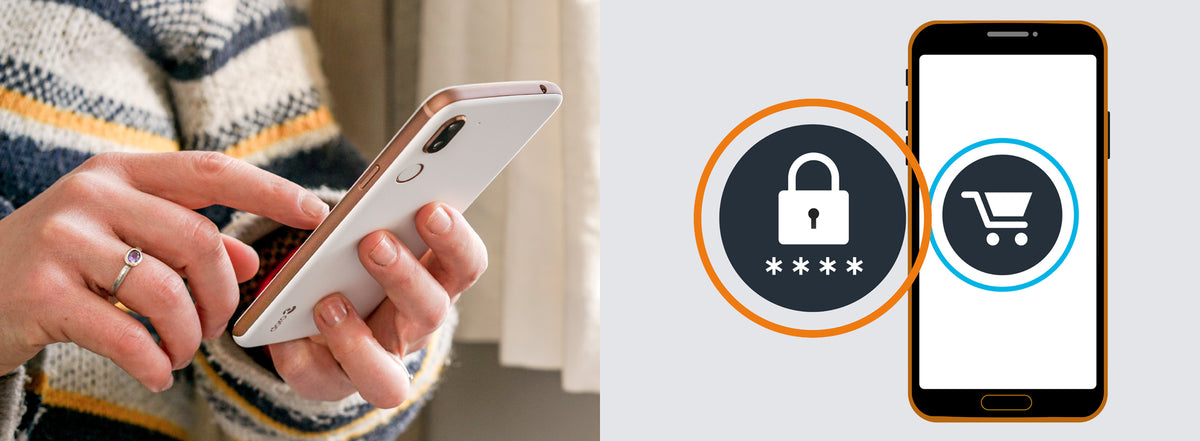
Shopping online lets you choose from a huge range of shops at any time, even when they are closed, and helps you avoid crowds. But because you never meet the seller and your goods are sent to you, the risk of being deceived is greater, so it pays to follow a few simple tips.
Check that the website is genuine
Fraudsters can create fake websites that look exactly like genuine ones. There are also counterfeit shops that sell copies of original goods.
Before you buy anything, check that the website is encrypted. This means the information you enter is protected and cannot be tracked. Look for two things:
- A padlock symbol.
- A web address that starts with https rather than just http. The “s” stands for “secure”.
Depending on which browser you use, you may not see “https”, and the padlock may appear at the end of the address bar rather than at the beginning.

Also check that the website lists customer service details or a contact person. If these are missing, treat it as a serious warning sign.
Shopping on the second-hand market
Buying second-hand is becoming more popular as more people choose to shop sustainably. Before you buy, check the seller’s reviews and ratings.
Most second-hand fraud involves tricking the buyer into paying in advance. To protect yourself:
- Avoid paying in advance when you buy from a private seller.
- As the buyer, you should be the one who chooses how to pay.
- Find out how the payment works before you pay. Many second-hand sites offer a secure payment service that acts as a go-between and protects both the buyer and the seller. You may both need to confirm your identity.
- Never agree to pay through a link sent to you by a private seller. It may lead to a fake payment page made to look genuine.
- For more expensive items, ask for the original receipt or sign a purchase contract. Well-known second-hand sites often have ready-made contract templates you can ask for.
If you are the victim of fraud, always report it to the police and contact the second-hand site you used.
Share:
Digital safety: how to use apps and social media safely