

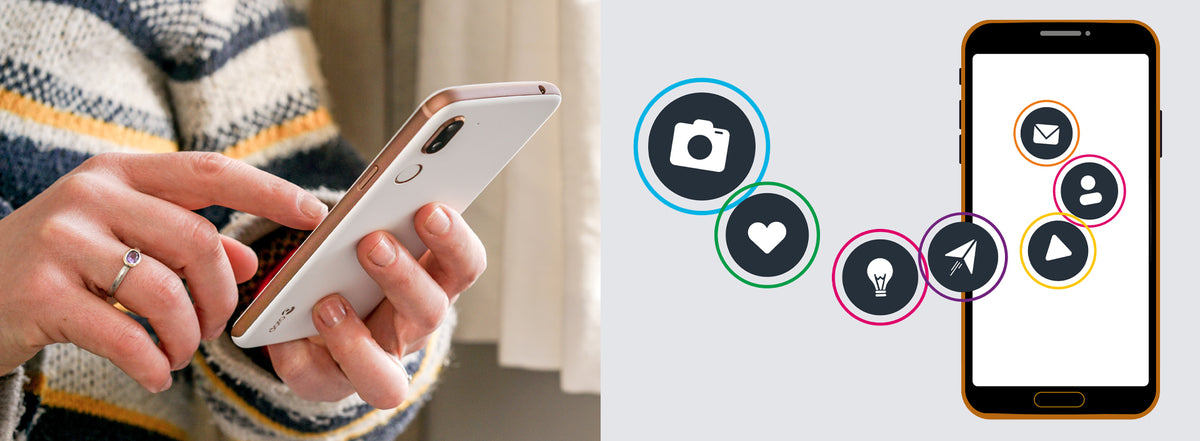
Apps are easy to use and work as shortcuts to services such as banking, social media and grocery shopping.
Social media lets you keep in touch with friends and share articles, links, photos and status updates. You also need to protect your privacy. A few simple tips will help you keep using social media and apps safely.
Protect your accounts from being hijacked
Fraudsters can take over social media accounts. They may pretend to be a friend in trouble who needs money quickly, or pretend to be you to deceive your friends.
As well as using strong passwords, always use a screen lock, such as a PIN code, fingerprint or face recognition. If your phone is stolen while you are logged in to your accounts, the thief can get into them.
What to do if your account is hijacked
- Change your passwords immediately.
- Log out of the account on every other computer, tablet and phone that has access to it.
- Report it to the police.
- Tell the company that runs the service.
- Warn your friends.
A hijacked Facebook account may also be used to post things in your name that you do not support or agree with.
Protect your personal data
Many services ask for your personal information. Large companies can use this data to build profiles of their users, and advertisers can buy access to those profiles to target their adverts.
You may already have agreed to this in the terms of use. Read and understand the terms of any app or service before you accept them.
Keep your apps and phone up to date
Updates usually fix security problems and bugs. Your apps will normally tell you when an update is available, unless you have changed this setting.
To check for app updates, open the Play Store and go to Menu > My Apps & Games.
Your phone will usually tell you when a system update is available. To check yourself, go to Settings > System > Advanced > System update.

Delete old apps and reset your phone before you sell it
Delete apps you no longer use, together with their accounts.
Before you sell or donate your phone, do a factory reset to remove your personal data. Go to Settings > System > Advanced > Reset options > Erase all data (factory reset).

Now you're ready to use social media and apps safely.
Share:
Digital safety: how to shop safely online
Digital safety: how to spot phishing and protect passwords