

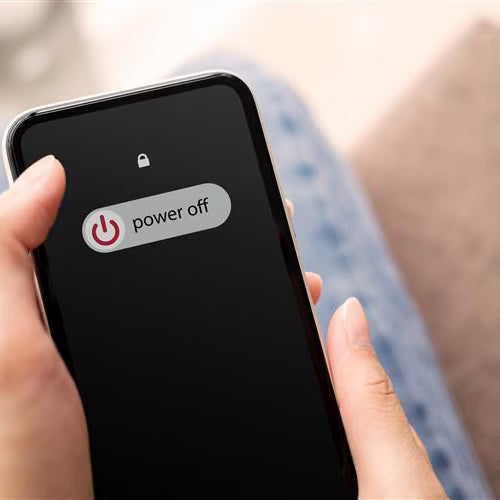
Knowing how to switch your Doro Aurora smartphone on and off correctly helps you use your device safely and avoid accidental restarts.
This step-by-step video shows you how to turn your Doro Aurora smartphone on and off.
Before you begin
- Make sure your smartphone has enough battery power.
- Find the power button on the side of your device.
- Remove the protective case if it makes the button difficult to press.
What to do next
After switching on your Doro Aurora, wait for the phone to start and enter your PIN code if requested.
Share:
How to Insert a SIM and SD Card in Doro Aurora A30
How to Charge Your Doro Aurora Smartphone