

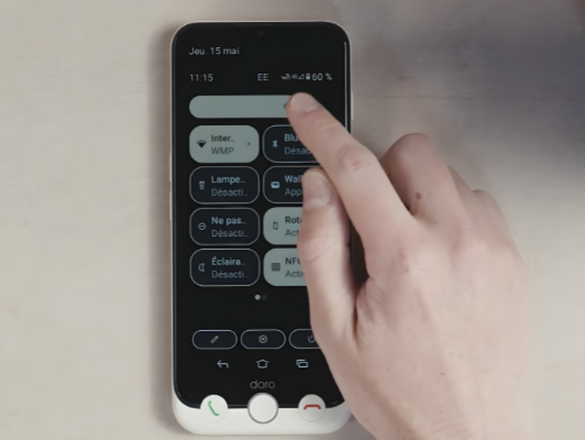
You can adjust the screen brightness on your Doro Aurora smartphone to make the display easier to see in different lighting conditions.
This step-by-step video shows you how to increase or reduce the brightness to suit your surroundings.
Before you begin
- Make sure your smartphone is switched on and unlocked.
- Move to the place where you normally use your phone.
- Choose a brightness level that feels comfortable and makes the screen easy to read.
- Keep in mind that a brighter screen may use more battery power.
What to do next
Check the screen in different lighting conditions. You can return to the brightness settings at any time to adjust the level again.
Share:
How to Adjust Sounds on Your Doro Aurora
How to Add App Icons to Your Doro Aurora Home Screen