Includes access to Xplora Senior app. Your SIM card is shipped with your phone. Choose a 12-month plan for the best monthly price, or stay flexible with no commitment. Keep your current number or get a new one.
Highlights:
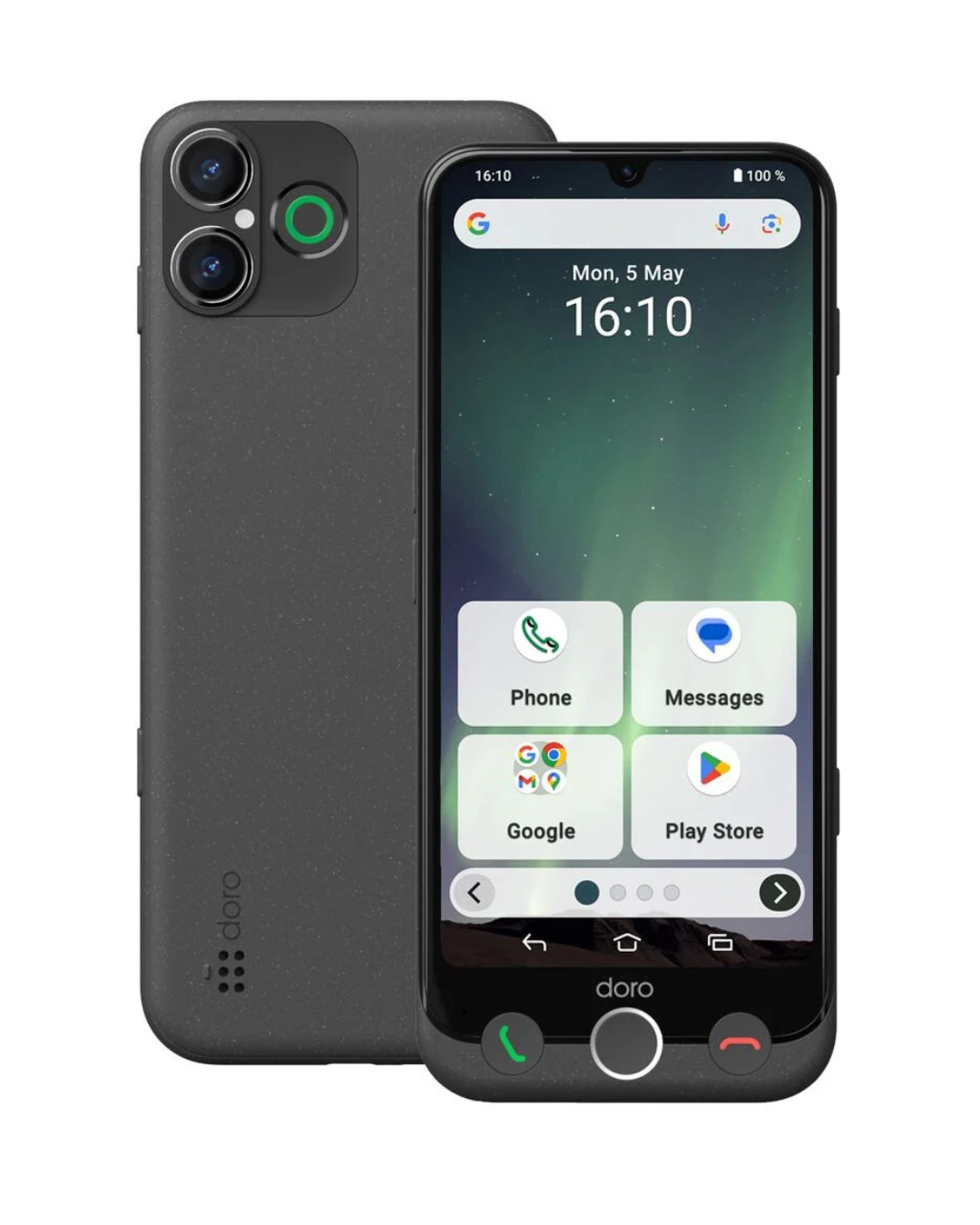
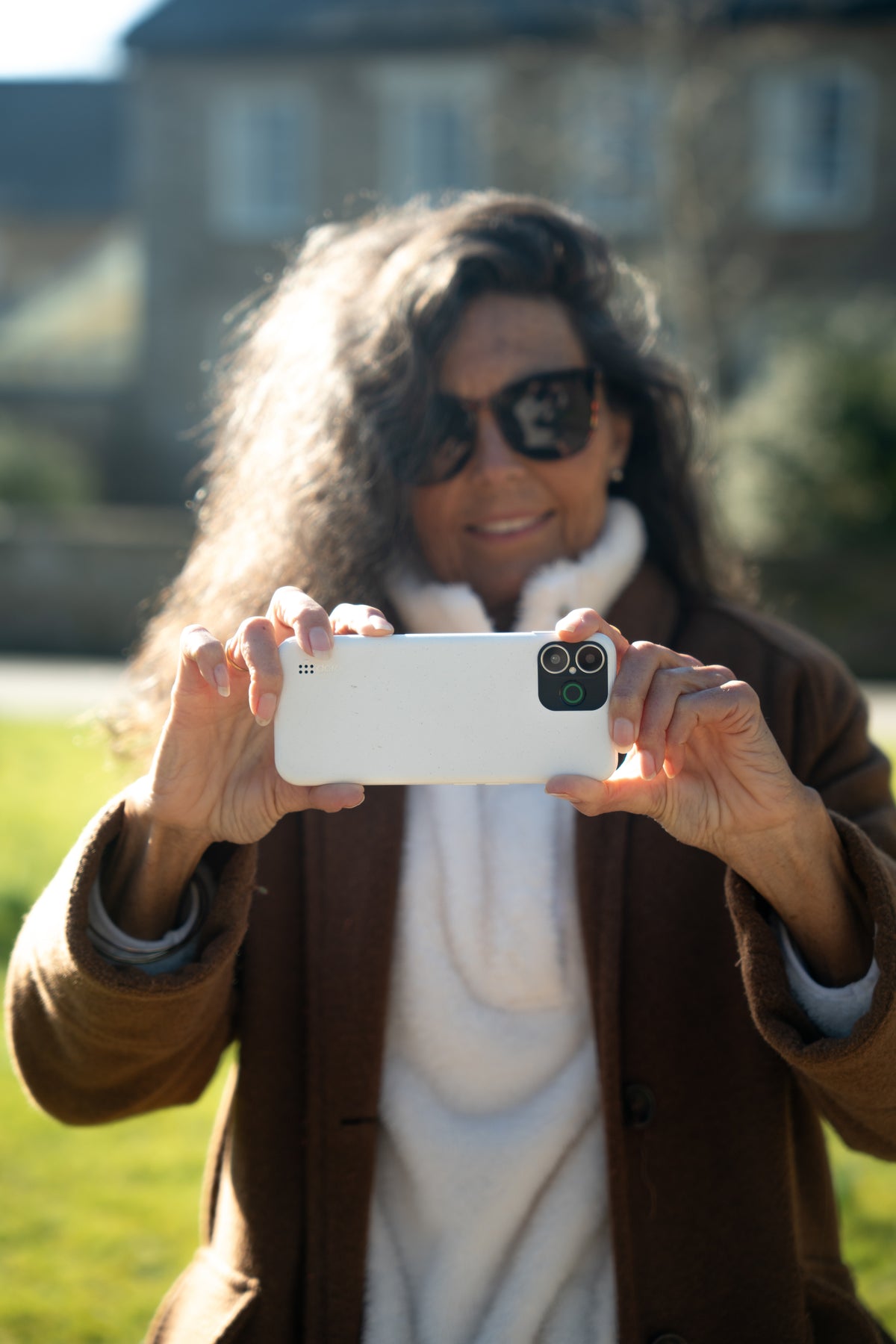
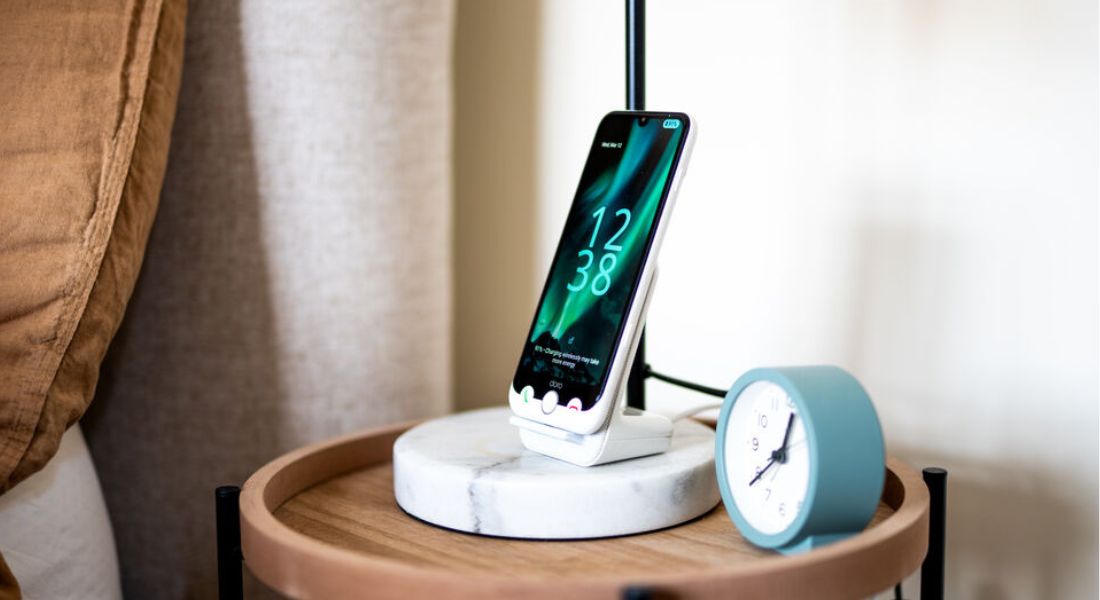
Enjoy photos, messages, apps and video on the large 6.1-inch display.
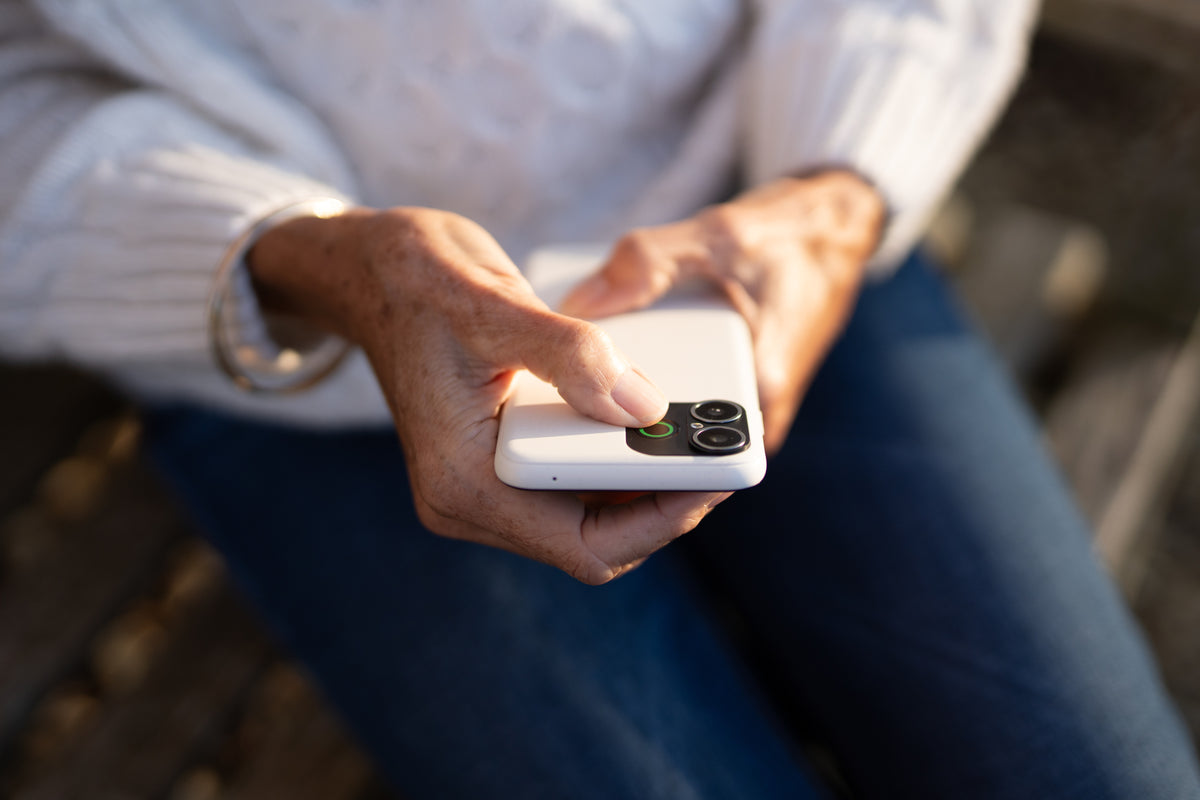
Use the Doro Secure Button to quickly alert people you trust when you need them.
Clearer choices and an easier interface make everyday smartphone simple.
Find quick answers to common questions about delivery, returns, warranty, orders, products, and support.
Xplora Senior App
When purchasing a Doro Aurora with a Connect data plan, you’ll also get access to the Xplora Senior App - a safety and support app for you and your family.
SCAM ALERTS
LOCATION SHARING
REMOTE HELP
SCAM ALERTS
Pick up the phone with confidence.
Suspicious calls, spotted early.
Xplora Senior warns you when a call looks like a scam, so you know before you answer. No pressure, no tricks, no feeling caught out.
Your family knows you're covered.
It works quietly in the background, every day. Nothing to set up, nothing to remember. Just someone looking out for you.
SCAM ALERTS
Pick up the phone with confidence.
Suspicious calls, spotted early.
Xplora Senior warns you when a call looks like a scam, so you know before you answer. No pressure, no tricks, no feeling caught out.
Your family knows you're covered.
It works quietly in the background, every day. Nothing to set up, nothing to remember. Just someone looking out for you.
LOCATION SHARING
Come and go as you please.
Your family can see where you are, so you're never far apart.
Let them know you got home safely without having to pick up the phone every time. They see what they need to and you get on with your day.
Safe zones for the places you love.
Pick the spots that matter to you: the café, a friend's house, the garden centre. Your family gets a quick note when you arrive. Comfort for them, freedom for you.
LOCATION SHARING
Come and go as you please.
Your family can see where you are, so you're never far apart.
Let them know you got home safely without having to pick up the phone every time. They see what they need to and you get on with your day.
Safe zones for the places you love.
Pick the spots that matter to you: the café, a friend's house, the garden centre. Your family gets a quick note when you arrive. Comfort for them, freedom for you.
REMOTE HELP
Help that feels like family in the room.
Stuck? They can see what you see.
Your family can view your screen and help with settings from wherever they are, powered by TeamViewer. No more trying to describe which button you mean.
They guide. You decide.
Nothing happens without your okay, and you're in control the whole time. You get things sorted in minutes, your way.
REMOTE HELP
Help that feels like family in the room.
Stuck? They can see what you see.
Your family can view your screen and help with settings from wherever they are, powered by TeamViewer. No more trying to describe which button you mean.
They guide. You decide.
Nothing happens without your okay, and you're in control the whole time. You get things sorted in minutes, your way.
Doro Aurora A30
Everything you want from a smartphone. Made easier.
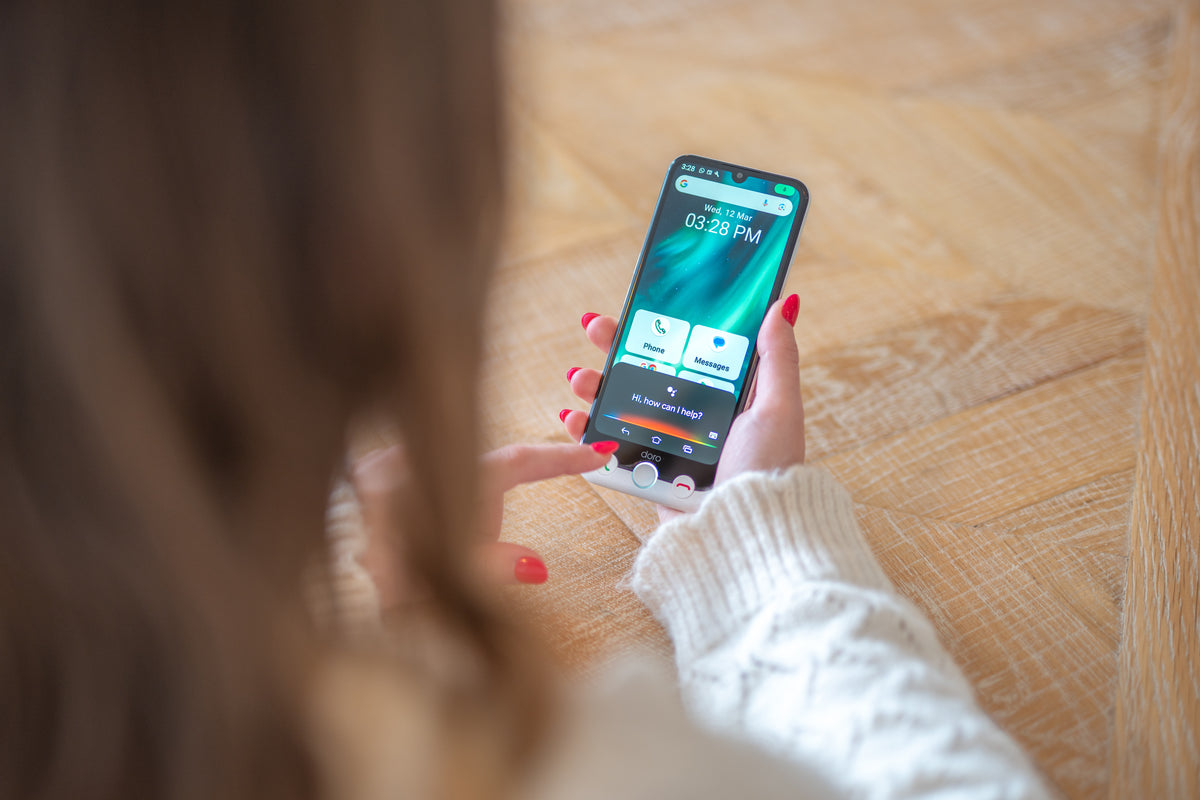
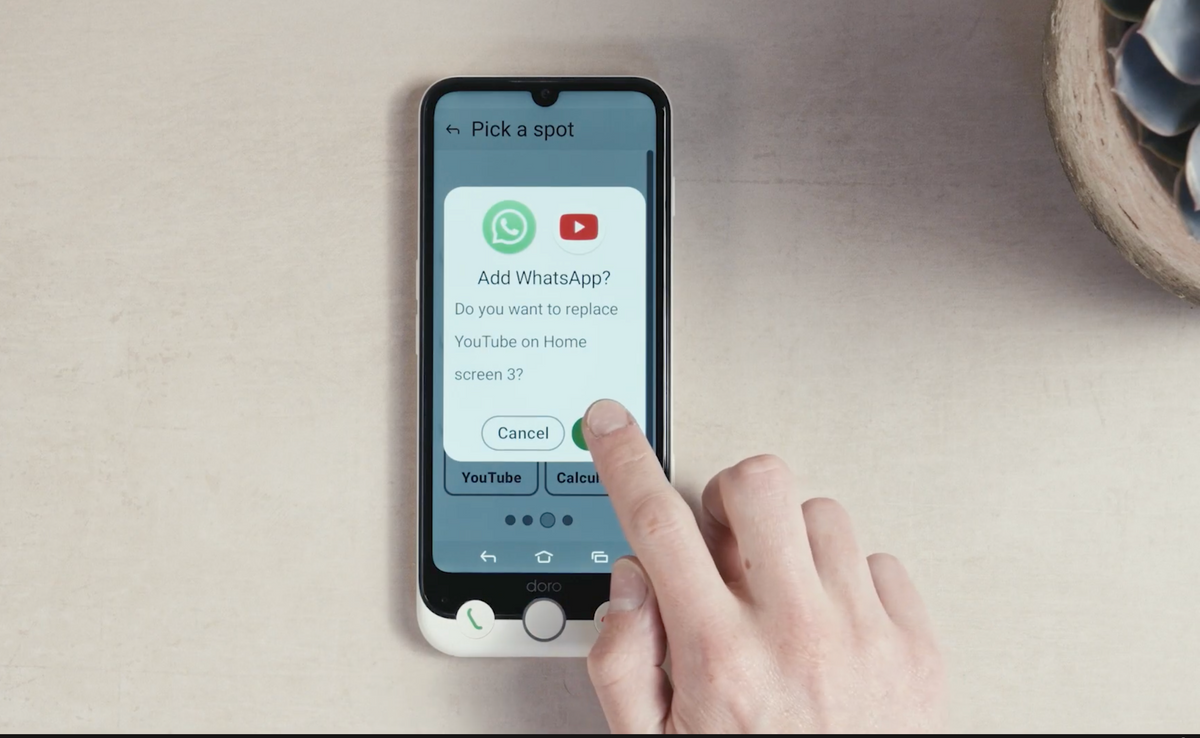
Enjoy the freedom of a modern Android smartphone without unnecessary complexity. Doro Easy Interface gives you clear choices and helpful guidance, making it easier to call, message, browse, use your favourite apps and find your way around your phone.
Hear conversations more clearly
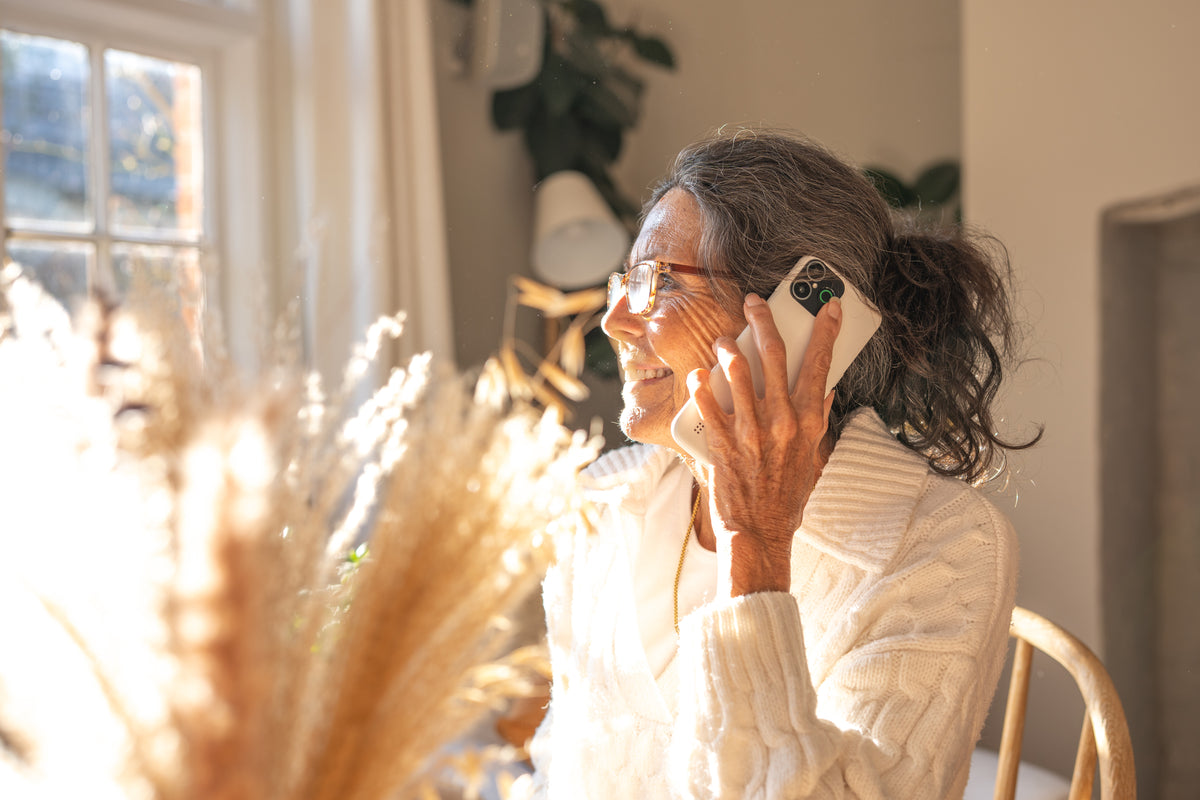
Spend less time asking people to repeat themselves. Doro ClearSound is specially tuned to make speech clearer and easier to hear, including in noisy surroundings, while hearing aid compatibility provides additional support for hearing aid users.
Reassurance built right in
The Doro Secure Button gives you a simple way to reach people you trust when you need help, sending them an alert and your location with one press. And when you need help with the phone itself, built-in TeamViewer support lets someone assist you remotely.
Product details
Why Seniors love the Doro Aurora A30:
A bigger, more capable smartphone that’s still refreshingly easy to use. Enjoy more room for apps, photos and video on the large 6.1-inch display, plus a powerful 50MP camera.
What makes a Doro smartphone different from other smartphones?
Doro smartphones are designed to make everyday tasks easier, with straightforward menus, clear sound and helpful physical buttons. You can enjoy the benefits of a smartphone, from sharing photos to using your favourite apps, with thoughtful features that make your phone easier to see, hear and use.
Can I keep my mobile number when I switch to Connect Mobile Plans?
Yes. You can bring your existing UK mobile number with you when you switch to Connect Mobile Plans. That means you can enjoy your new Doro smartphone without having to give friends and family a new number. Simply choose the option to keep your number when ordering your plan.
Can I use WhatsApp and make video calls?
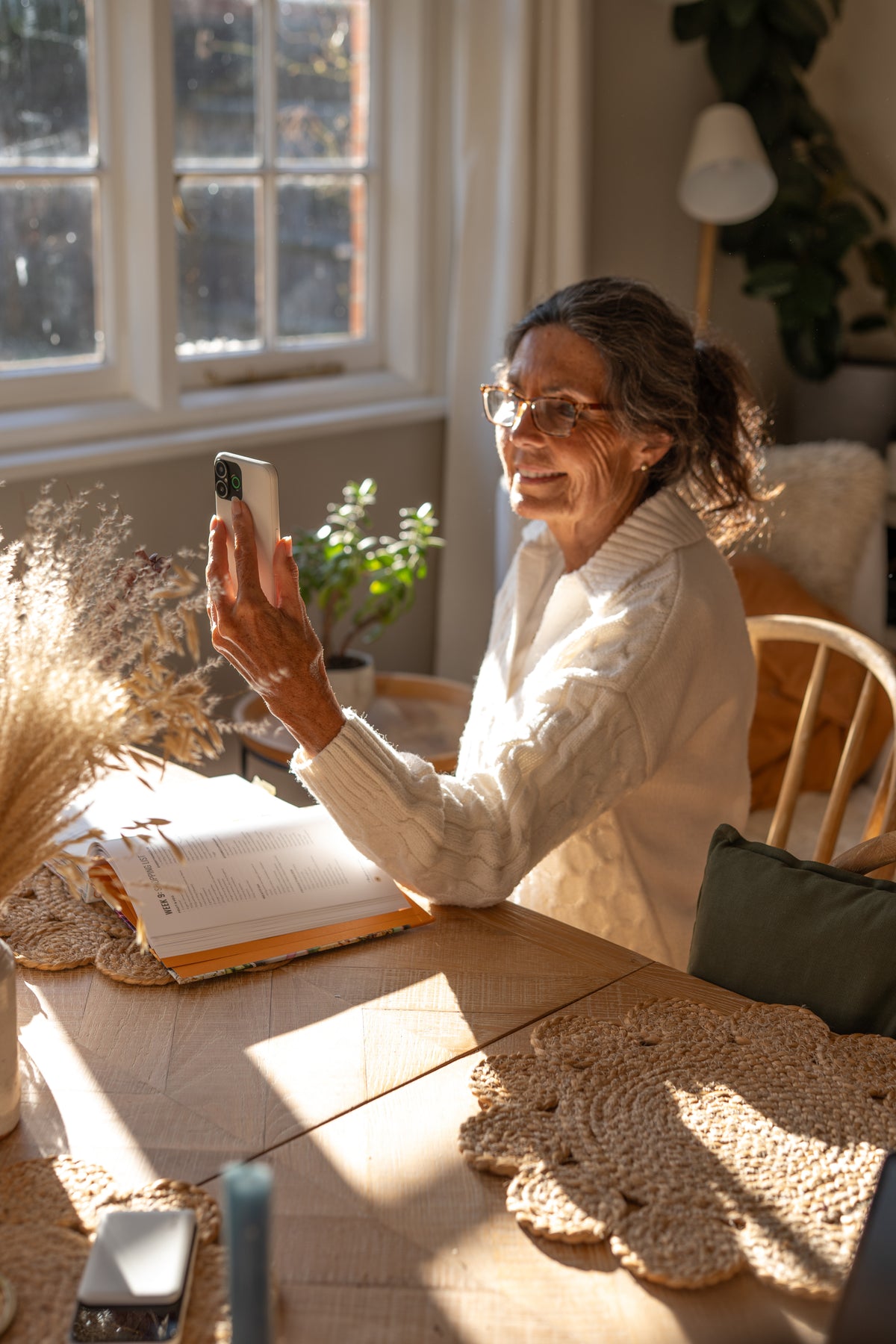
Yes. You can use WhatsApp on Doro Aurora smartphones to send messages, share photos and make voice or video calls. Stay part of the family group chat or catch up face to face, even when you’re miles apart. You’ll need a Wi-Fi connection or mobile data to use these features.
Can I make the screen easier to read?
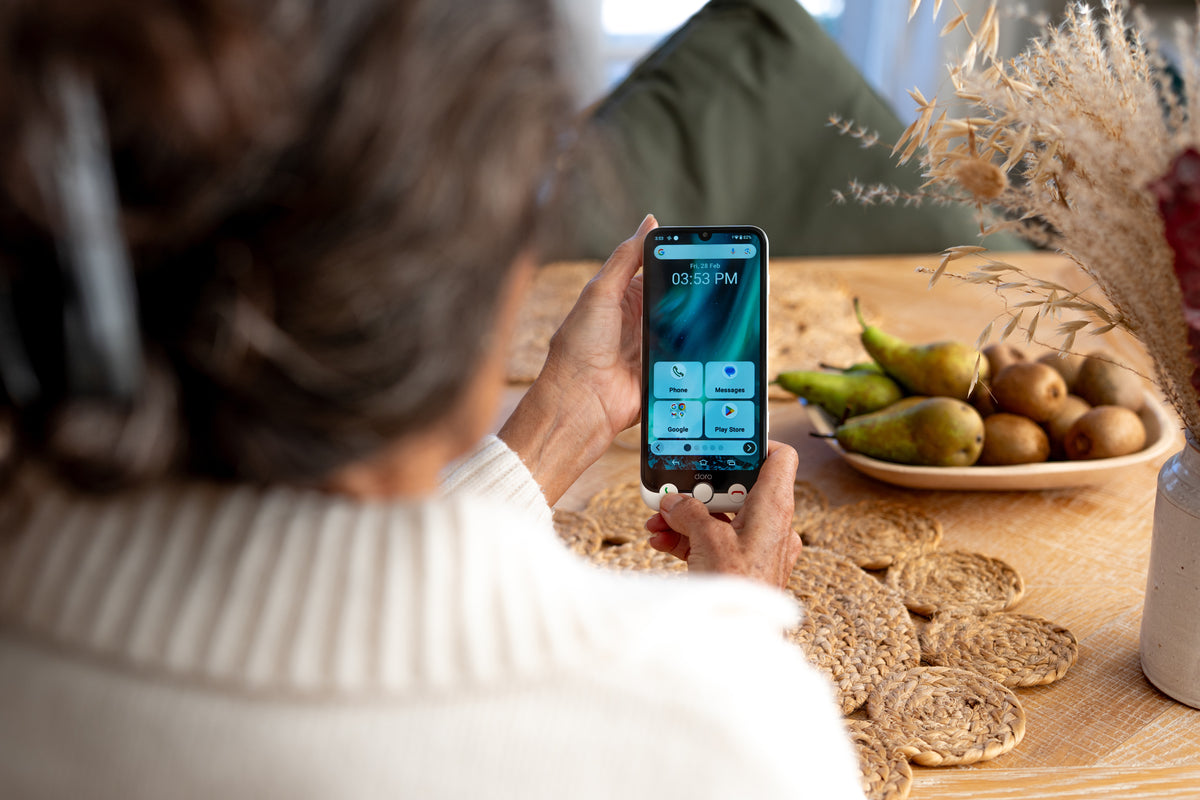
Yes. You can adjust settings such as text size and screen brightness, while Aurora models also let you choose how many apps appear on each home screen. For more room to read messages and view photos, the Aurora A30 has a larger 6.1-inch display
Can a family member help me with my phone without being there?
Yes. With your permission, a trusted friend or relative can help remotely using TeamViewer on your Doro smartphone. They can see your screen and help with things such as installing an app or connecting to Wi-Fi. You choose who to invite and approve the connection before they can access your phone.
What happens if I need to contact someone for help?
Doro Aurora smartphones include the Doro Secure Button, which gives you a simple way to alert chosen friends or relatives when you need help. With the supported assistance service set up, an alert can also share your location. You’ll need to arrange this with your trusted contacts before using it.