

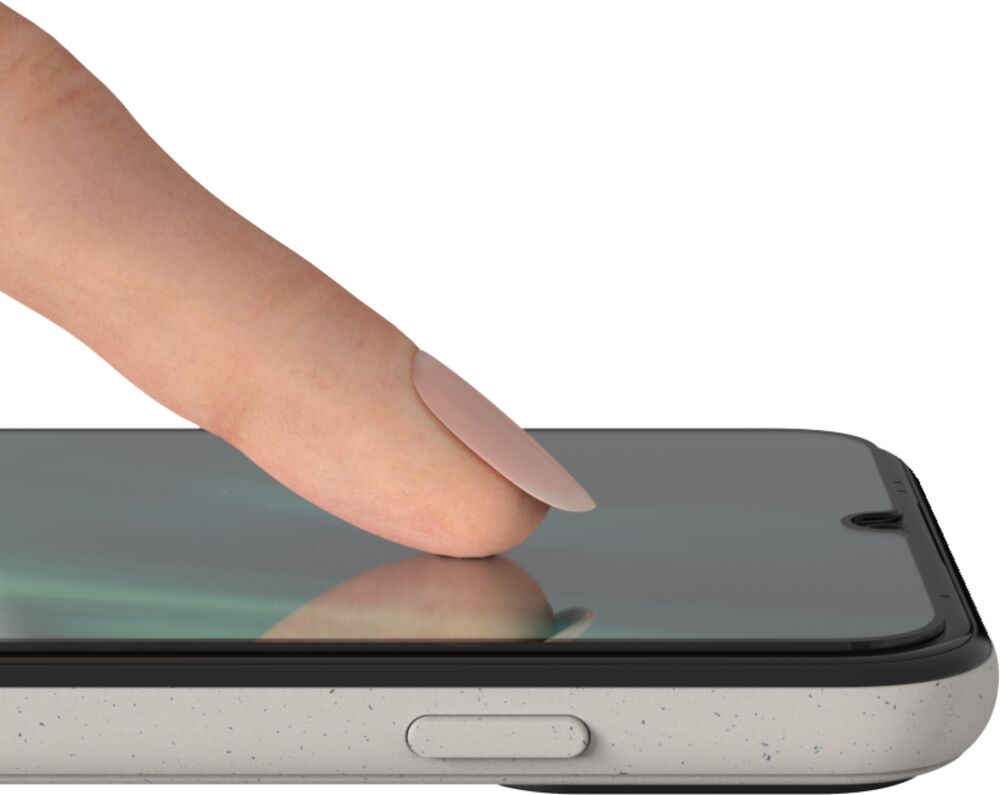
A screen protector helps protect your Doro Aurora smartphone from scratches and everyday wear.
This step-by-step video shows you how to clean the screen, position the protector and apply it smoothly without bubbles.
Before you begin
- Make sure the screen protector is made for your Doro Aurora model.
- Wash and dry your hands before you begin.
- Work in a clean, well-lit area with as little dust as possible.
- Switch off your smartphone and remove its case, if fitted.
How to apply the screen protector
- Open the screen protector package for your Doro Aurora model.
- Remove the screen protector and installation pack from the folder.
- Open the installation pack using the tear-off seal.
- Open the cleaning wipe and use it to clean the screen thoroughly.
- Dry the screen completely with the cloth provided.
- Remove the screen protector from its paper wrapping.
- Carefully peel away the backing. Do not touch the adhesive side.
- Line up the protector with the buttons at the bottom of the screen.
- Place it lightly onto the screen.
- Use the dry cloth to smooth the protector upwards from the bottom, pushing out any air bubbles.
What to do next
Check that the protector is straight and firmly attached around the edges. If you see small air bubbles, gently push them towards the nearest edge using the cloth.
Share:
How to Use TeamViewer Support on Doro Aurora
How to Attach the Strap to a Doro Aurora Case