

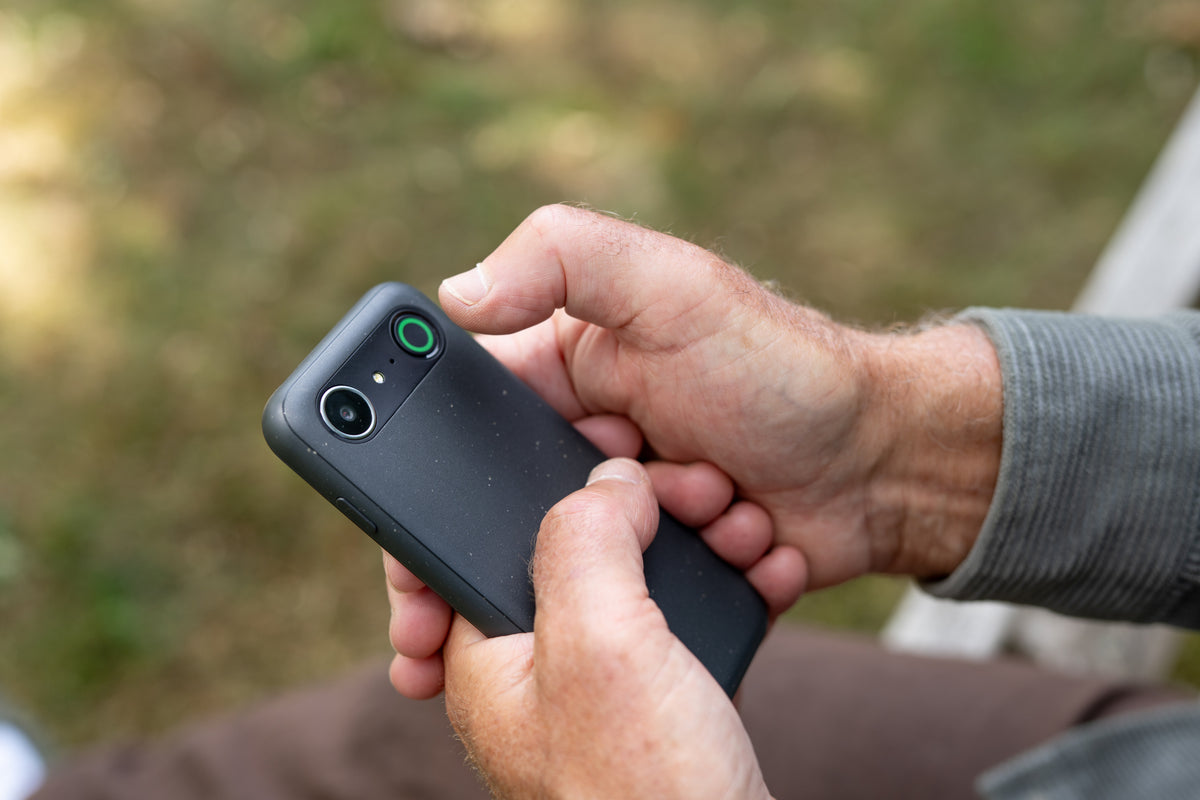
Help is always within reach
The Doro Secure Button gives you a simple way to alert trusted contacts when you need help. Press the button and your Doro phone can send an SMS, contact your chosen people and, on compatible models, share your location.
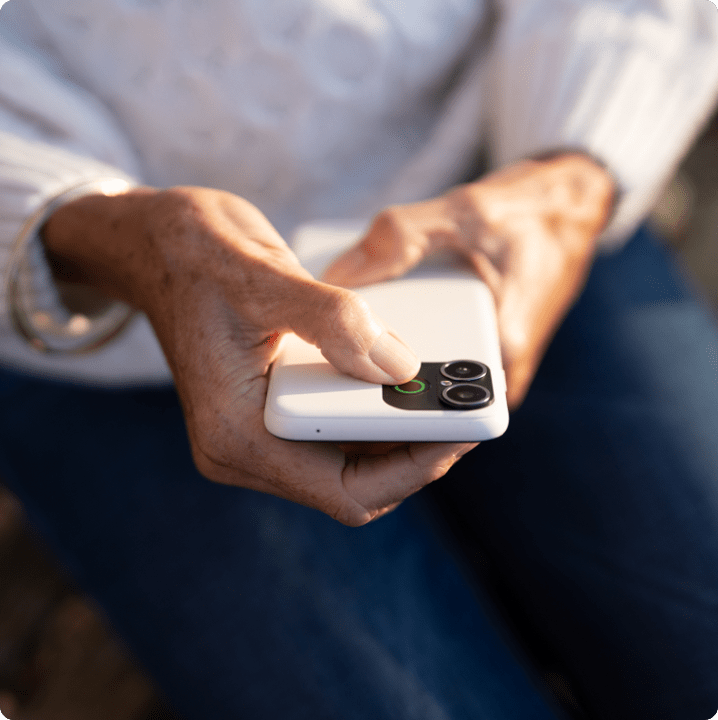
What is the Doro Secure Button?
An easier way to reach someone when you need help
The Doro Secure Button is a dedicated assistance button built into Doro mobile phones. It can be set up with up to five trusted contacts, such as family members, friends or neighbours.
When the button is activated, the phone starts a predefined assistance sequence designed to help you reach someone without having to search through contacts or make several calls yourself.
There’s no separate subscription charge for the standard Secure Button service. It works using your mobile connection, so normal network requirements and charges still apply.
How it works
Press the Response button
Press and hold the button for at least three seconds, or use three quick presses if that option has been selected during setup.
Contacts are alerted
A personalised SMS is sent to your programmed contacts to let them know help is needed.
On compatible phones, the message can also include a link to the device’s last known GPS location.*
A hands-free call connects
The phone automatically calls your chosen contacts one at a time, in the order you’ve set.
If the first person doesn’t answer, the phone moves on to the next.
Talk hands-free
When someone answers, the Doro phone automatically connects the call using loudspeaker mode, making it easier to speak without having to hold or operate the phone.
*Device dependent.
Frequently asked questions
Is the Doro Secure Button the same as an SOS button?
The Doro Secure Button is Doro’s dedicated assistance button. It allows you to alert chosen contacts and automatically start calling them when help is needed.
It contacts the people you have programmed into the phone rather than automatically contacting the emergency services.
How many people can I add to the Doro Secure Button?
You can programme up to five contacts from your phonebook.
When the button is activated, those contacts receive an SMS and are then called one at a time until somebody answers.
How is the Secure Button activated?
Depending on how the feature has been configured, you can either press and hold the button for at least three seconds or press it three times quickly.
What happens when I press the Doro Secure Button?
The phone sends an SMS to your programmed contacts and then begins calling them in sequence.
When somebody answers, the call is automatically connected using the phone’s loudspeaker.
Does the Secure Button share my location?
On compatible Doro phones, the assistance message can include a link to the device’s last known GPS location.
Location sharing is device dependent, so check the specifications for the phone you’re considering.
What happens if the first person doesn't answer?
The phone automatically tries the next programmed contact.
If nobody answers during the first round, the process starts again for up to three complete rounds — a maximum of 15 calls when five contacts have been programmed.
What if I press the button accidentally?
You have five seconds after activation to cancel the assistance sequence before the SMS messages and calls begin.
Does the Doro Secure Button cost anything to use?
There is no separate charge for the standard Secure Button service.
It does, however, use the mobile network. Your phone will therefore need an active mobile connection, and standard network charges or Pay As You Go credit requirements may apply.
Can I change the assistance message?
Yes. The default SMS sent to your contacts can be changed through the assistance button settings on the phone.
Can I use the Secure Button without holding my phone?
On selected models, yes. Compatible Doro phones can be paired with the Doro 3500 Bluetooth alarm trigger, which allows the Secure Button function to be activated from your wrist.
How do I set up the Secure Button?
Setup options vary by phone. Search for your Doro phone on the support page and download its user manual for model-specific instructions.
The Doro Secure Button at a glance
Up to 5 trusted contacts
Choose the people you want the phone to contact.
SMS assistance alert
Send a personalised message when the button is activated.
Automatic calling
Contacts are called in sequence until somebody answers.
Hands-free connection
Answered calls automatically connect through loudspeaker.
Location sharing*
Compatible phones can include the device’s last known GPS position.
No separate service fee
The standard Secure Button functionality is free to use, although mobile network charges and requirements apply.